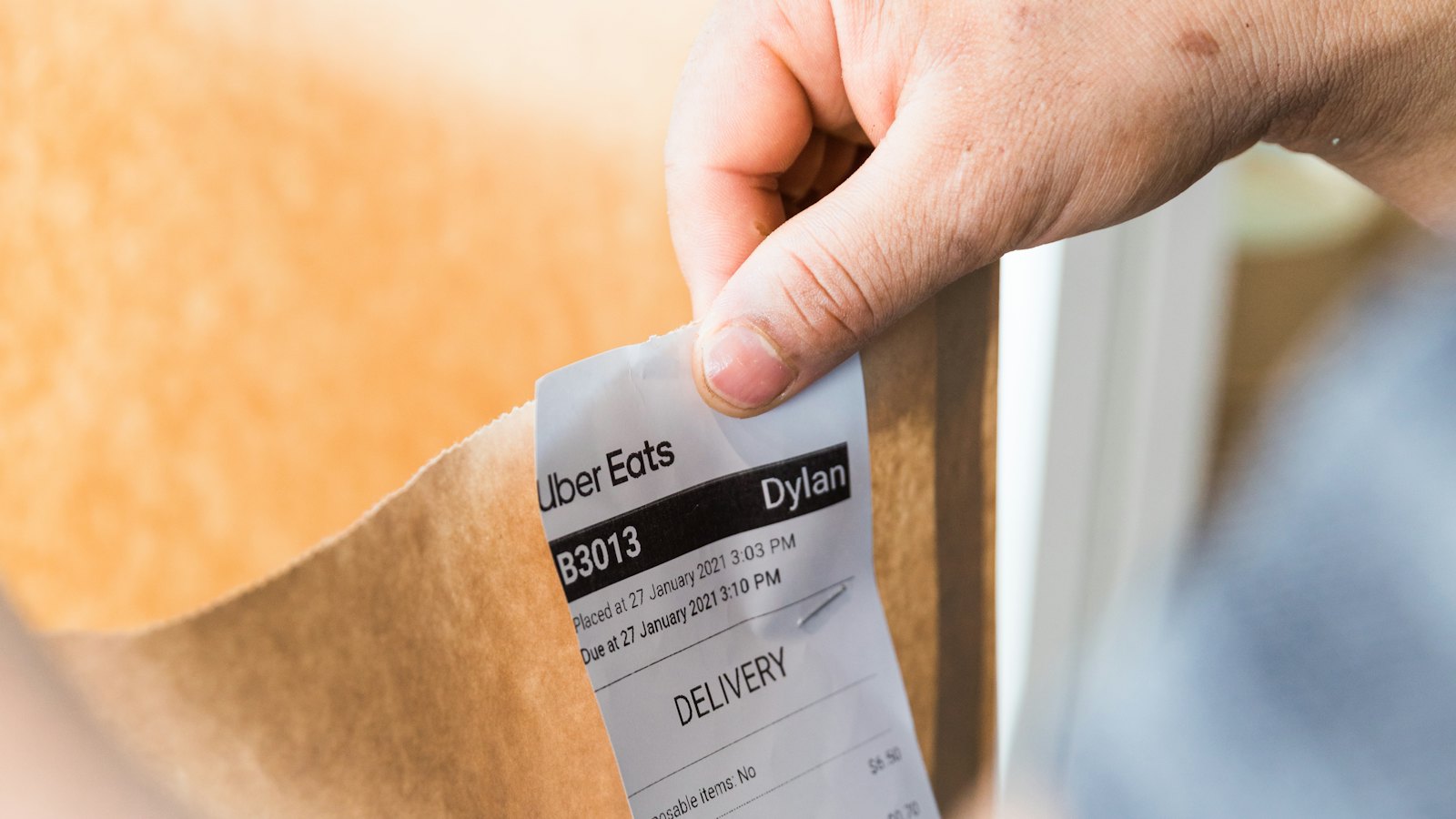
Your hours log is your own statement of what you did. Corroboration is anything created at the time by something other than you: a photograph with a capture date, a card charge at a hardware store, a smart-lock event, a timestamped message to a guest. None of it is required by the regulations, and none of it settles anything by itself. What it does is make a particular entry checkable, and a log whose entries can be checked is a different document from one that cannot.
Why a log wants a second source
Treas. Reg. §1.469-5T(f)(4) says participation may be established by any reasonable means and that contemporaneous daily time reports, logs or similar documents are not required. IRS Publication 925 repeats the same language. Read on its own, that sounds permissive, and it is: appointment books, calendars and narrative summaries are all named as acceptable.
The limit shows up in the cases. Where a log has been rejected, the reasoning usually runs through plausibility rather than form: the hours claimed did not match the work described, or the documents said to support a revised log were never produced. In Manalo (T.C. Summ. Op. 2012-30) the court called revised logs uncorroborated and unreliable in part because the emails and archived records said to underlie them never came into evidence. In Hairston (T.C. Memo 2019-104) a log well above the hour thresholds did not carry the day.
So the practical question is not whether you are allowed to keep a bare log. It is what you would be able to put next to any given line of it a year or two from now. Our guide on the difference between a contemporaneous and a reconstructed log covers the standard; this post is about the traces that sit behind the entries.
What photo metadata does and does not show
Most phone photographs carry EXIF metadata: a capture date and time from the device clock, usually GPS coordinates, and the camera model. For rental work that is genuinely useful. A before-and-after pair of a repair, shot on the day, places a specific task at a specific property on a specific date.
Be clear about the limits, because overstating them is its own problem:
- It dates the photograph, not the hours. A photo at 2:14 p.m. does not show that you worked from noon to four. Two photos three hours apart are better, and still only bracket the work.
- The clock is the device's. A phone with the wrong date, or a camera that was never set, carries that error into every file.
- Metadata is easy to lose. Sending a photo through a messaging app, pasting it into a document, or taking a screenshot of it commonly strips the location and sometimes the date. Keep the original file, not the version that travelled.
- Metadata is also easy to change, which is why a photograph reads as support for a plausible entry rather than as proof of one.
A photo of a finished install with no context is weak. The same photo, filed against an entry that says what was wrong, what you did and how long it took, is strong.
Location history as a record of visits
If you leave location history switched on, your phone keeps a list of places and arrival and departure times. For an out-of-area property that record answers one narrow question well: which days you were physically there, and roughly how long.
It cannot say what you did while you were there, so on its own it supports presence and nothing more. Pair it with the work record for the same day. It also raises a privacy question worth deciding deliberately rather than by default: this is a continuous record of everywhere you go, and if you turn it on as a rental record you are turning it on for everything else too. Many owners prefer narrower traces, which is a reasonable choice, not a gap.
Two cousins of location history are often easier to produce and less sweeping: toll transponder statements and fuel purchases near the property, both of which are dated, and both of which fit an entry for travel rather than for work at the destination.
Receipts, invoices and card timestamps
Receipts remain the most durable corroboration an owner has, because a third party created them and the date is not yours to adjust.
- A hardware-store receipt timed inside the window you logged supports both the task and the trip.
- A card or bank statement fills the gap where the paper receipt is gone; the line item and date survive even when the detail does not.
- A contractor or cleaner invoice supports a coordination entry — and remember that the work on the invoice is their time, not yours. Your entry is the walkthrough, the scope call and the inspection.
- A permit application, an inspection notice or a delivery confirmation each anchor a dated administrative task.
Keep the receipt attached to the entry it supports rather than in a shoebox organised by month. The connection between the two is the thing you are preserving, and it is the first thing memory loses.
Platform and smart-lock logs
Your booking platform's message inbox is a timestamped record you are already keeping without effort: inquiries, check-in instructions, mid-stay problems and review replies all carry a date and time, and most platforms let you export a thread or at least capture it on screen. The gap between two messages is not the duration of your work, but the messages themselves show you were handling the property that evening.
Smart locks, thermostats and cameras keep event logs too. A keypad code issued to a cleaner, a lock opened at 10:40 a.m. on a turnover day, a thermostat set back after checkout: each is a dated event tied to one property. These logs usually roll off after a limited window, so if you rely on them, export the ones that matter before they expire.
Attach it to the entry, not to a folder
The habit that makes all of this work is attaching the evidence when you write the entry, in the same minute. A folder of four hundred photographs is not corroboration; it is a research project you have left for your future self or your CPA.
In STR Tracker, an entry takes file attachments directly — photos, receipts and invoices live on the line they support, so the record and its evidence stay together when the log is exported. A labelled folder tree per property and month does the same job if you keep it current. The free log template includes a column for naming the supporting document, which is the paper version of the same discipline.
What to capture, as a default:
- A repair or improvement: before and after photos, plus the parts receipt.
- A turnover: the checkout date from the booking calendar, and a staged-room photo.
- A supply run: the store receipt.
- Guest communication: the message thread.
- A vendor visit: the invoice and any punch-list photo.
A sample of five: the self-check
Open your log and pick five dates at random, not the five you remember best. For each, ask what you could produce today that was created by someone or something other than you. If four of the five have something and one does not, you have a normal log. If none do, the habit is the thing to change, and changing it this month costs nothing that it would cost later.
Then take the weakest of the five and look at it the way a stranger would. The entries that fail this test are usually not the dishonest ones — they are the vague ones, written days later, for work that really happened. What a credible entry looks like walks through rewriting them. Corroboration does not make an entry true. It makes a true entry believable, which is the part you can still do something about.